In your day-to-day operations, it is important to be able to quickly change a product's quantity in any location on your map. You may need to do this after a cycle count, or to quickly move an item, or to make a correction. Making these adjustments in CyberStockroom is very easy and intuitive.
Select a Product in your inventory
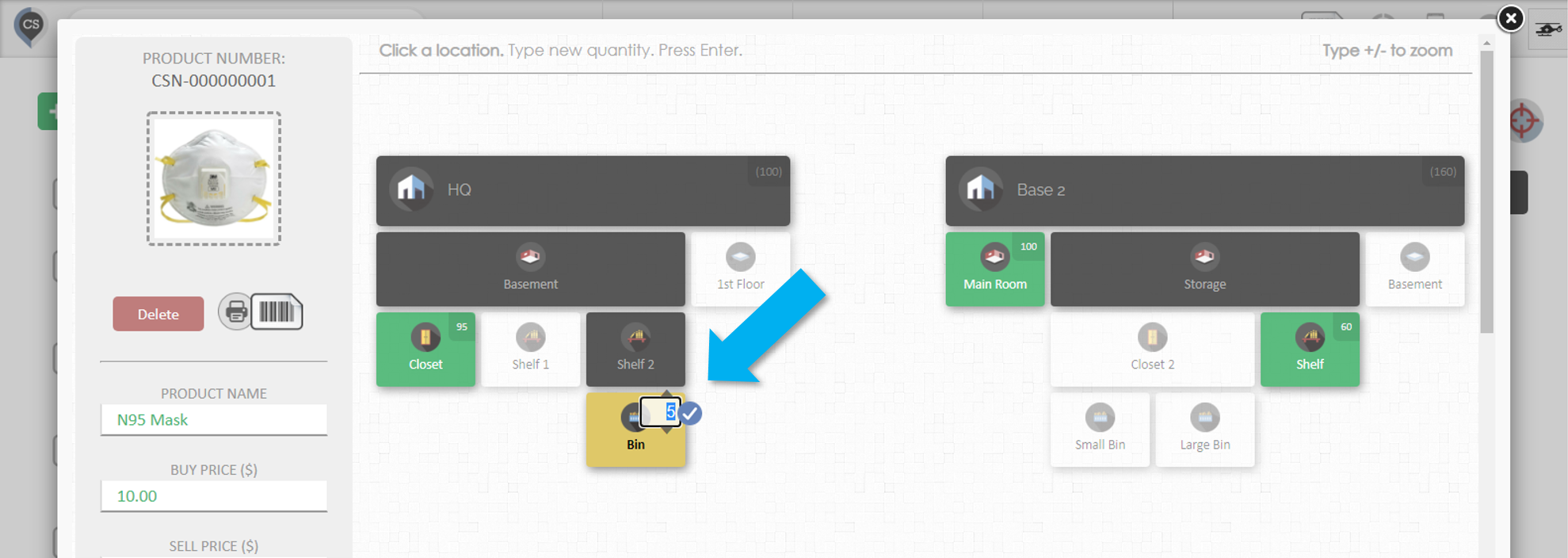
When you select a product in CyberStockroom, you will see a map of that product's distribution across all the locations
Select a location
Click on any of the locations on the Product's map.
You can zoom in/out of the map by pressing the +/- keys on your keyboard
Set the quantity and press the check button.
After clicking on a location, a small number will appear in the top right.
You can edit this number to change the quantity
Press the check button or press enter, and you're done.
You can also adjust the quantity with the up and down arrows if you are using a touchscreen device.
Changing product quantity through the Products Page
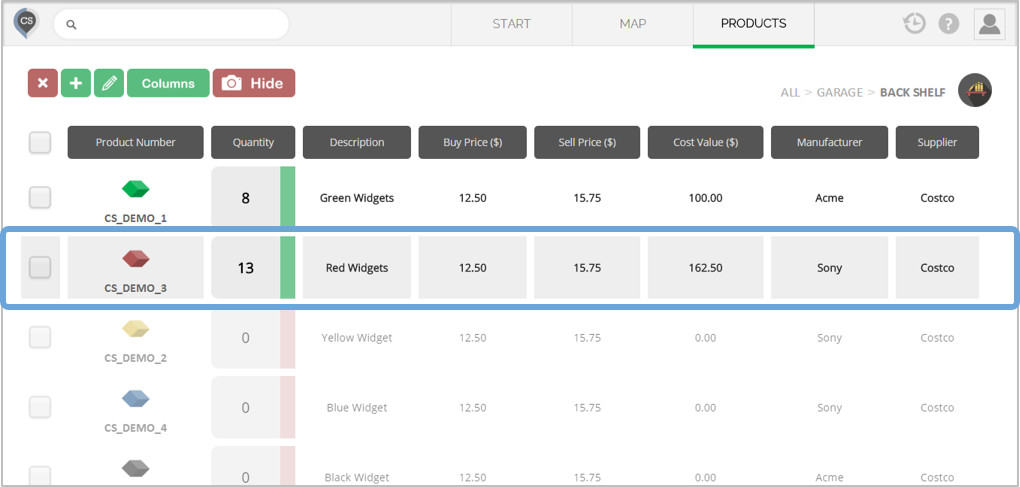
In the Products page, click anywhere on the product you want to edit.