
In CyberStockroom, there are multiple ways for a user to find and view a product. When you are viewing a product, you will be able to see and edit the product's properties as well as its quantity across all the different locations on the map.
The Search Box
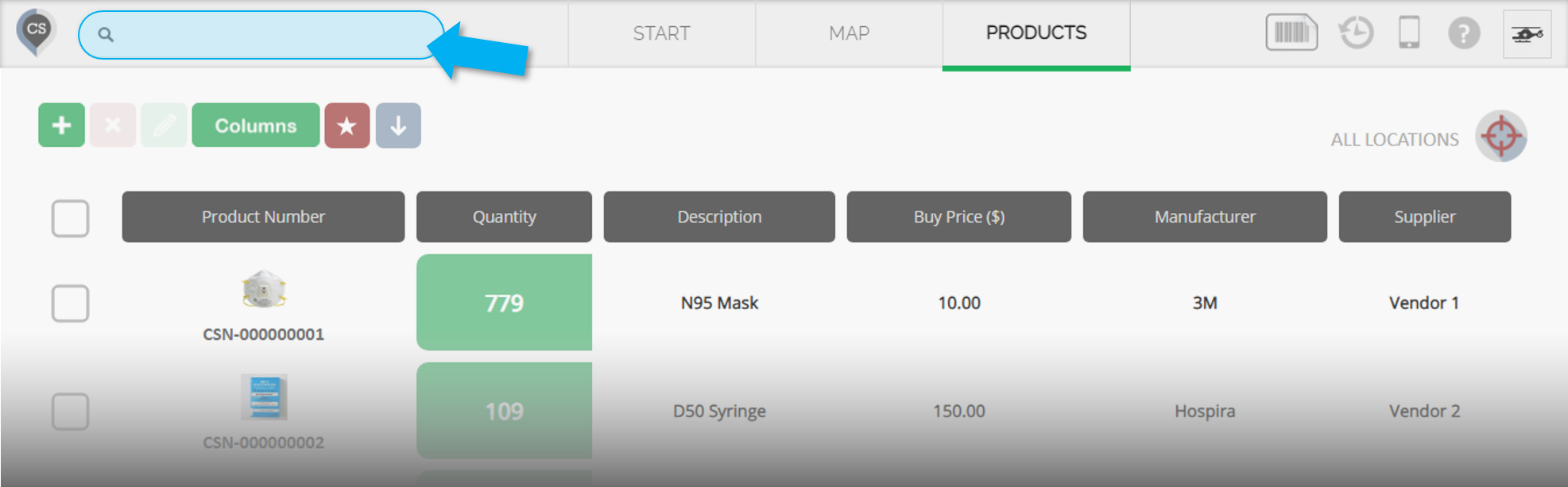
The search bar in the top left corner of the CS page can be used to quickly find products and locations.
Type any keyword for a product in this search box (product number/description/any custom field), and your target product will be shown below it.
Click the product from the result, and a pop-up window will appear.
You can also use a barcode scanner for this.
Directly on the Map
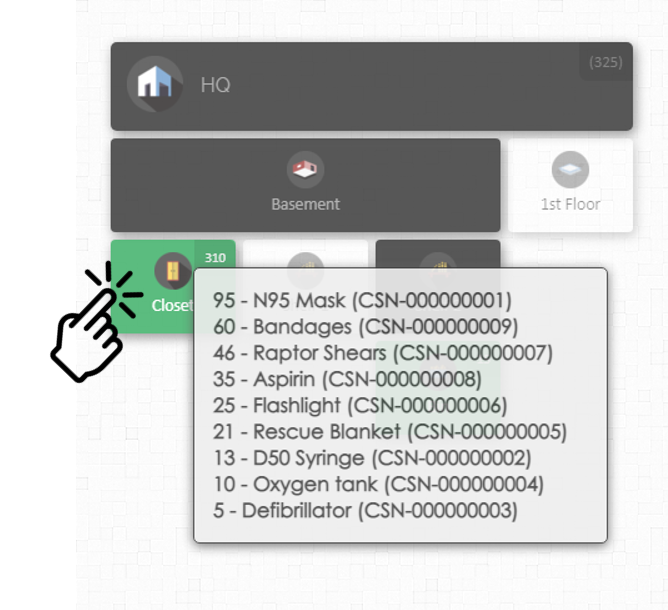
Clicking on any map location will reveal a list of all the products inside that location (note: a maximum of 25 products can be shown. To view the full list, you can click on the 'view' icon).
Clicking on any product from this list will show the pop-up window for that specific product.
The Products Page
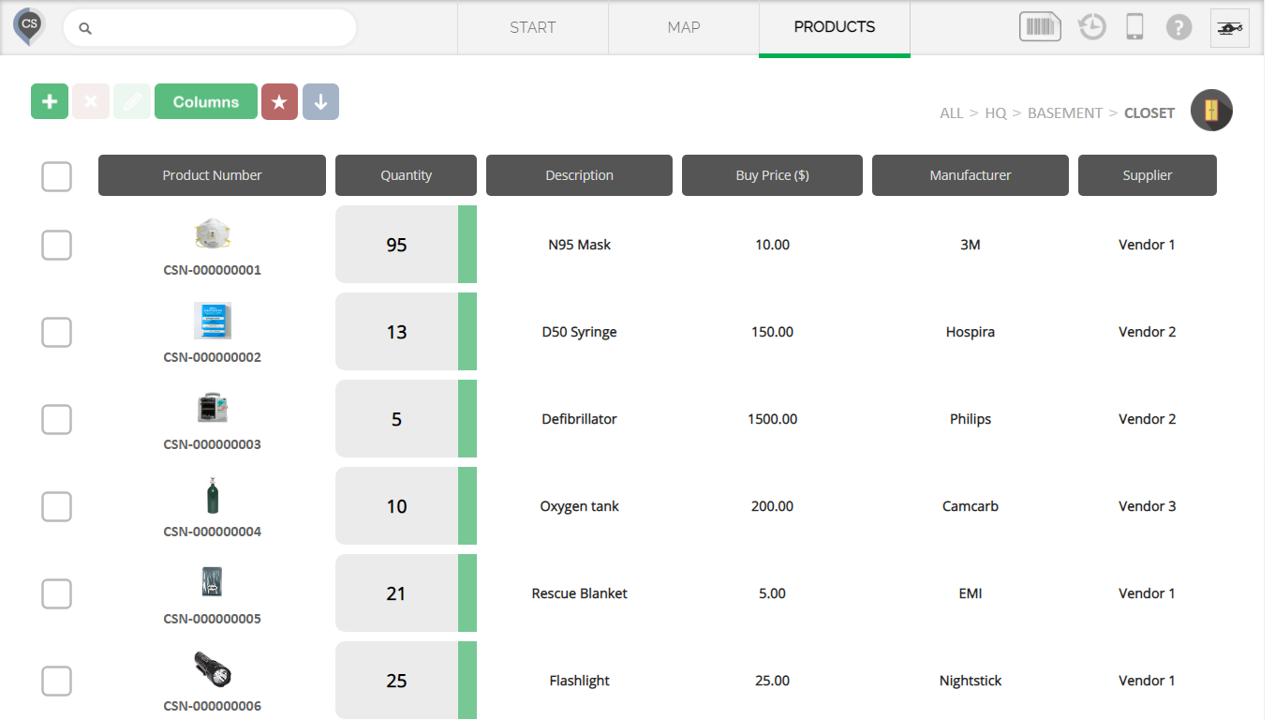
The products page can be used to view all the products in the Catalog, or a subset (example: the contents of a location). Clicking on any product from this page will show you the product's details.