
As your business needs change over time, you may need to update your subscription plan and payment method anytime in CyberStockroom.
Changing Your Plan
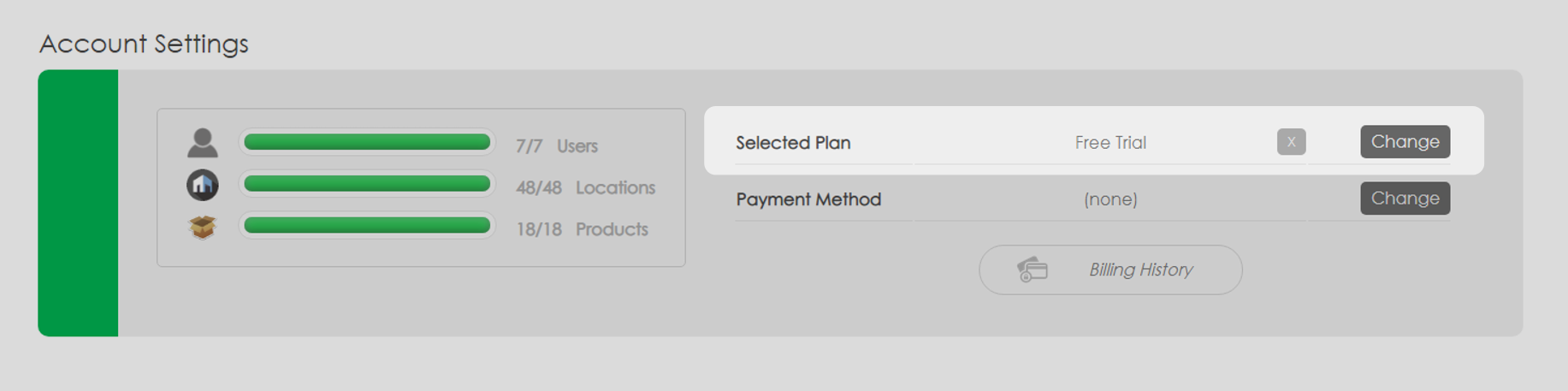
1. In the Settings page, click the 'Change' button beside the 'Selected Plan'.
The selected plan can be found in the 'Account Settings' section on the settings page.
2. Choose your desired plan
3. Fill in the details and click the 'Subscribe' button.
(View our Standard Plans. For any custom or enterprise plan please contact us at support@cyberstockroom.com)
Updating Your Payment Method
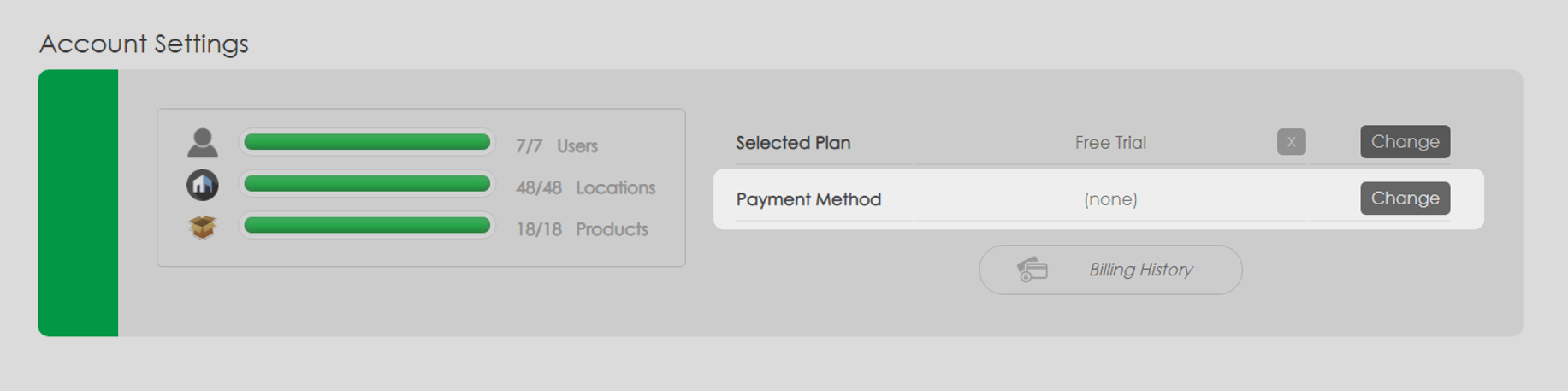
1. In the Settings page, click the 'Change' button beside the 'Payment Method'.
2. Fill in the details and click the 'Update Card Details' button.
CyberStockroom uses secure Stripe payment processing. If you have any questions, please reach out to us at support@cyberstockroom.com