Logo

CyberStockroom Help

if you can't find what you're looking for please email us at support@cyberstockroom.com

Products

Print Friendly button

The Print Friendly feature enables users to print detailed product information while viewing the contents of a location.

Last updated on 15 Dec, 2025

To use the Print Friendly feature, follow these steps:

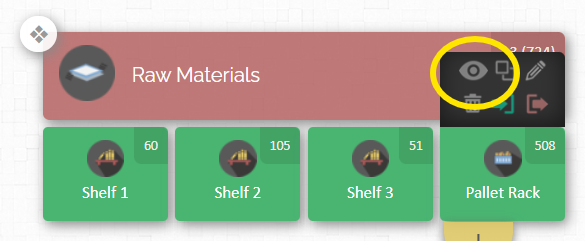
  1. View Location Contents: Navigate to and select the location whose contents you want to print.

      Image
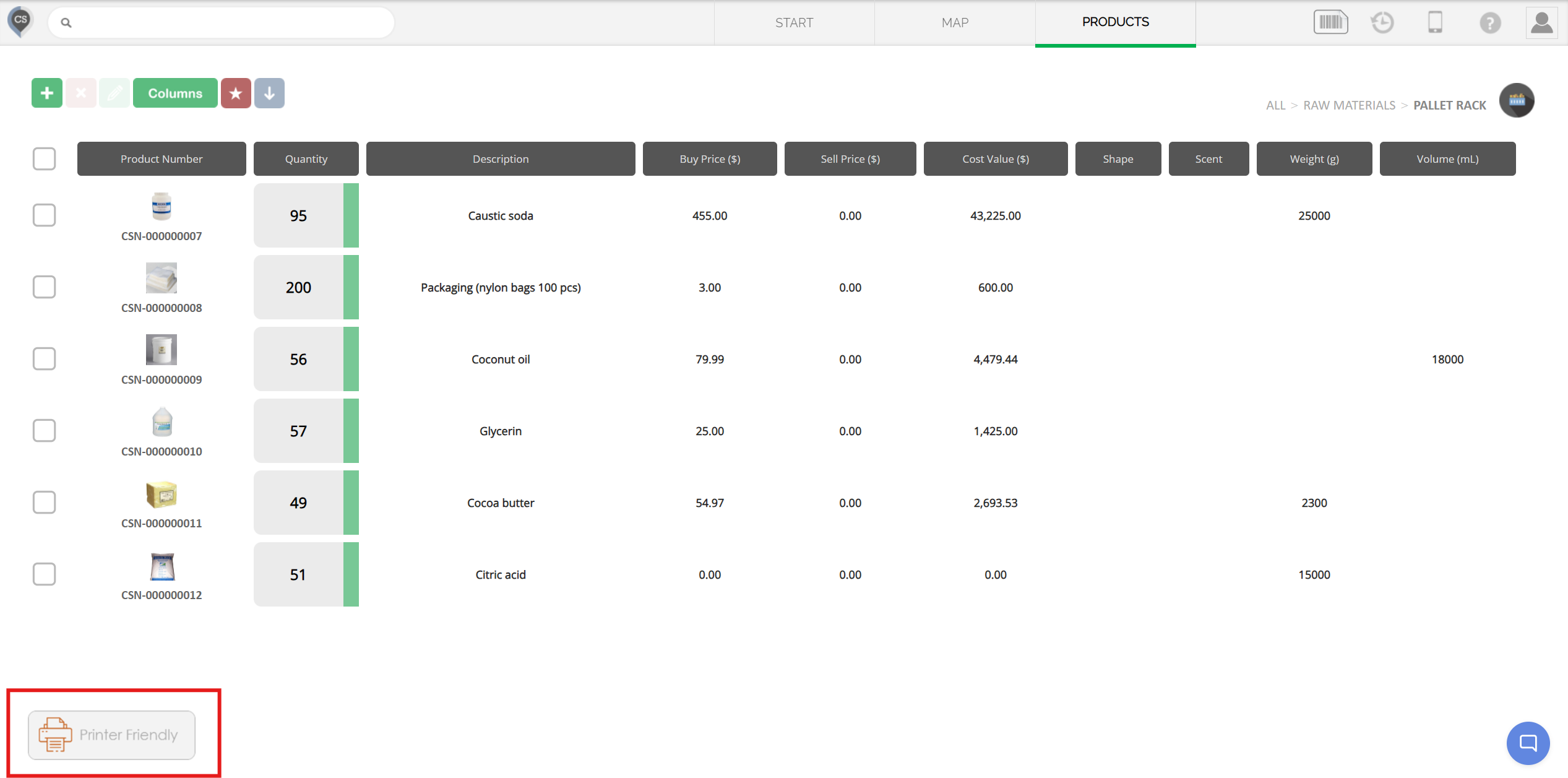
  2. Locate the Print Friendly Button: Scroll to the bottom of the page to find the 'Print Friendly' button.

      Image
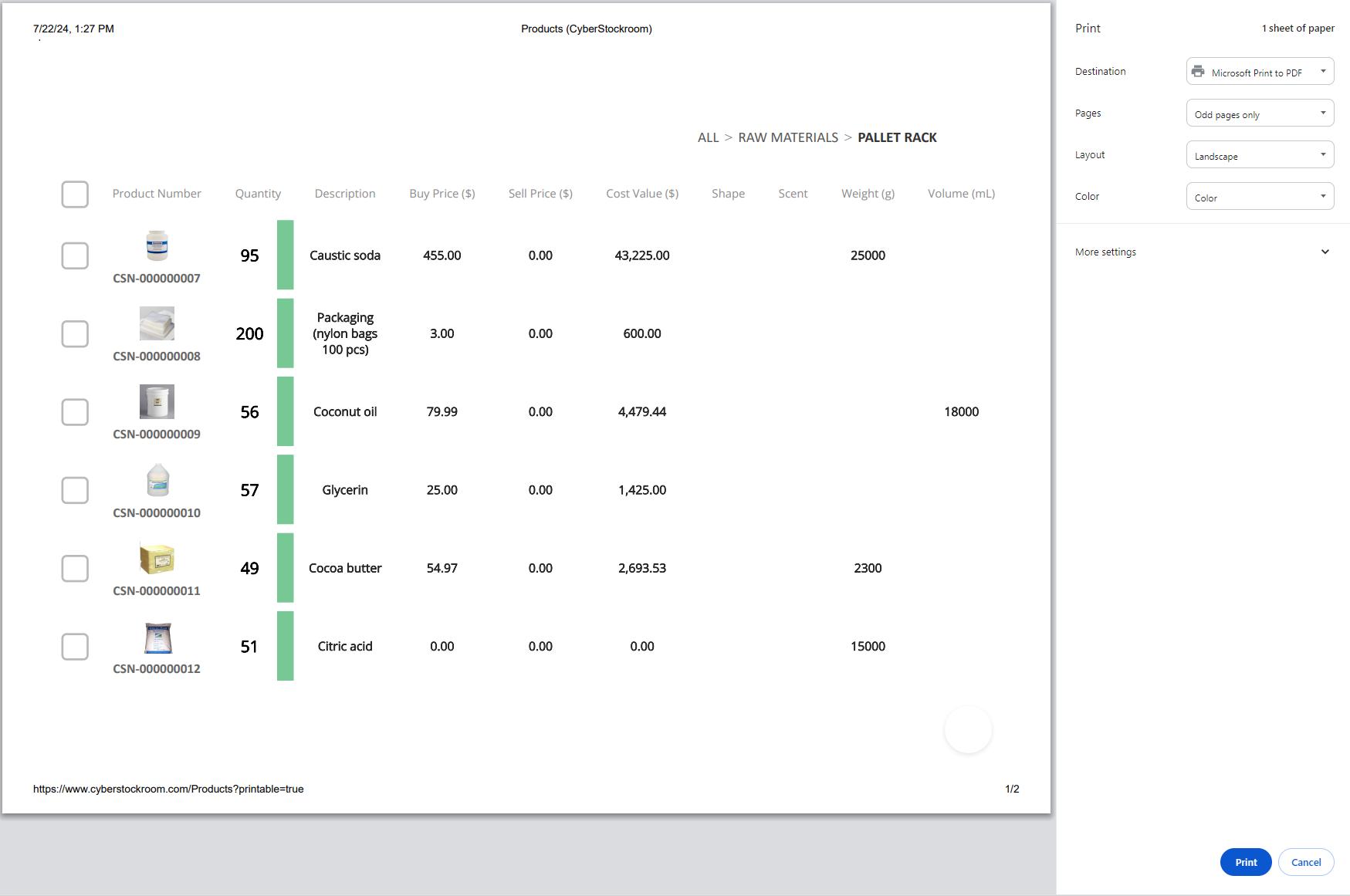
  3. Initiate Printing: Click the Print Friendly button. A pop-up window will appear, allowing you to adjust your print settings.
      Image


Did you find this article helpful?
Previous

Locations

Next