If you'd like to only see products with a quantity above 0 in your Products page, you can follow the steps below. Please note that hiding these products does not remove them from your catalog. You will still be able to search for them and check them into your locations. Hiding products with 0 quantity will simply make your Products page tidier and easier to read. To learn more about how the product catalog works, please refer to this article.
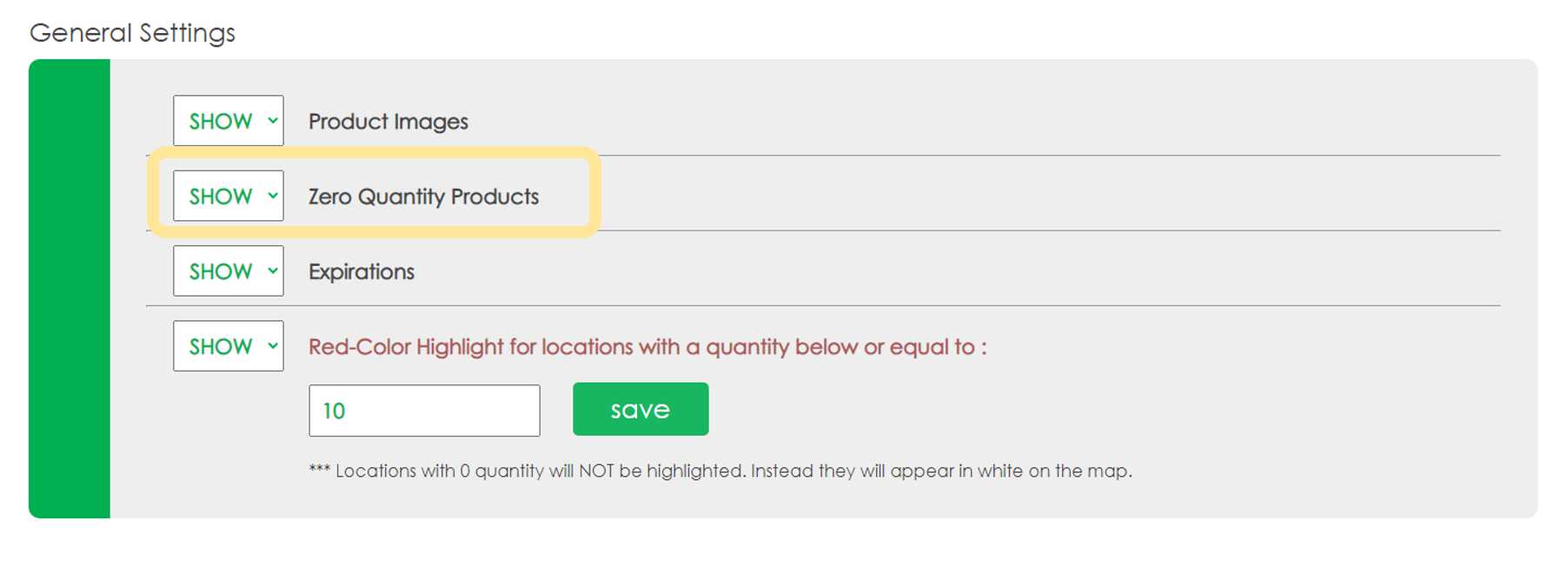
Go to the Settings page and scroll down to the 'General Settings' section
Select 'HIDE' for the option 'Zero Quantity Products'