

It is often very useful to attach files and documents to your inventory items. CyberStockroom makes it easy to do this either for your products or your locations. This means that in addition to inventory management, you can also use CS for facilities management, inspections, audits, etc.
Attaching Files to a Product
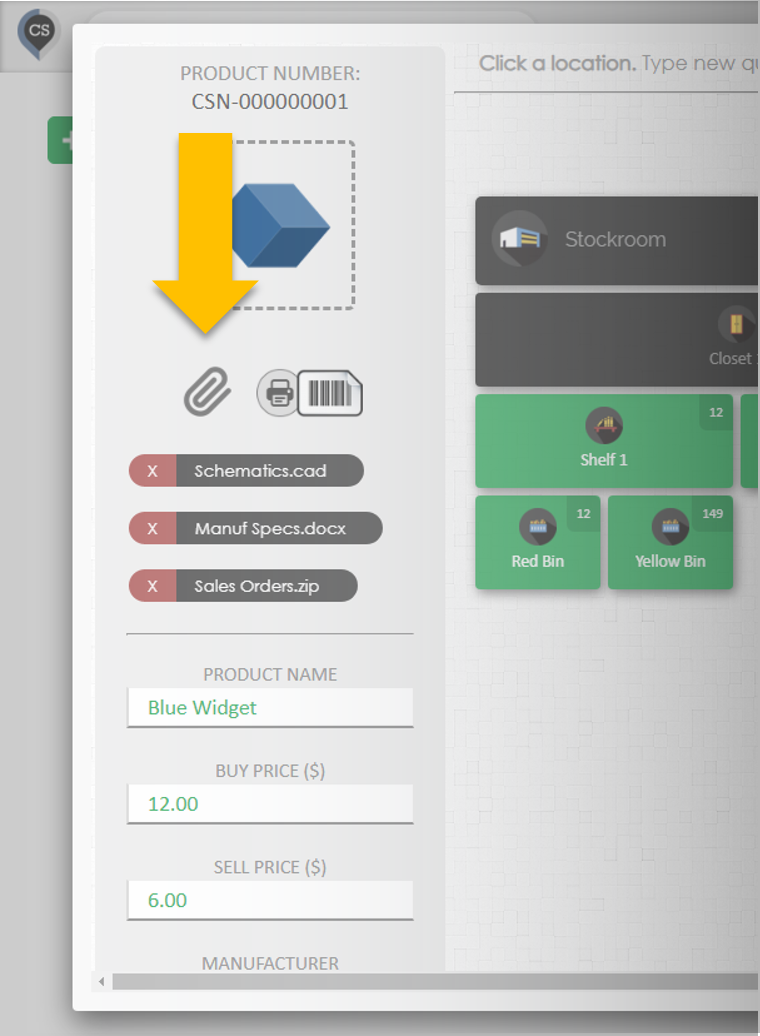
Select a product in your inventory and click the 'Attach' icon in the top left. Select the file to upload from your computer (you can upload any type of file).
Attaching Files to a Location
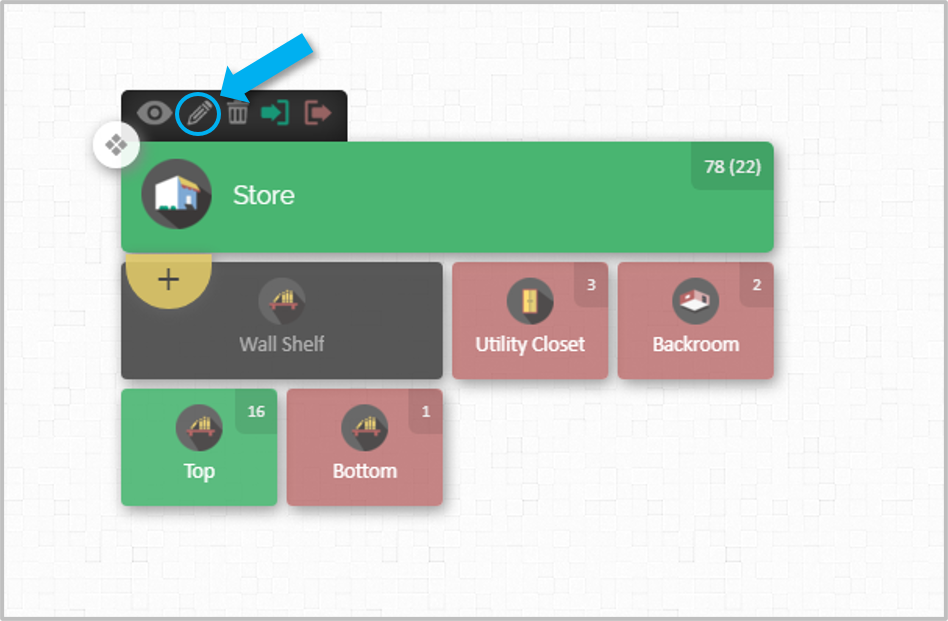
Select the location from the search bar or by clicking the edit icon on the map
Click the attachment icon
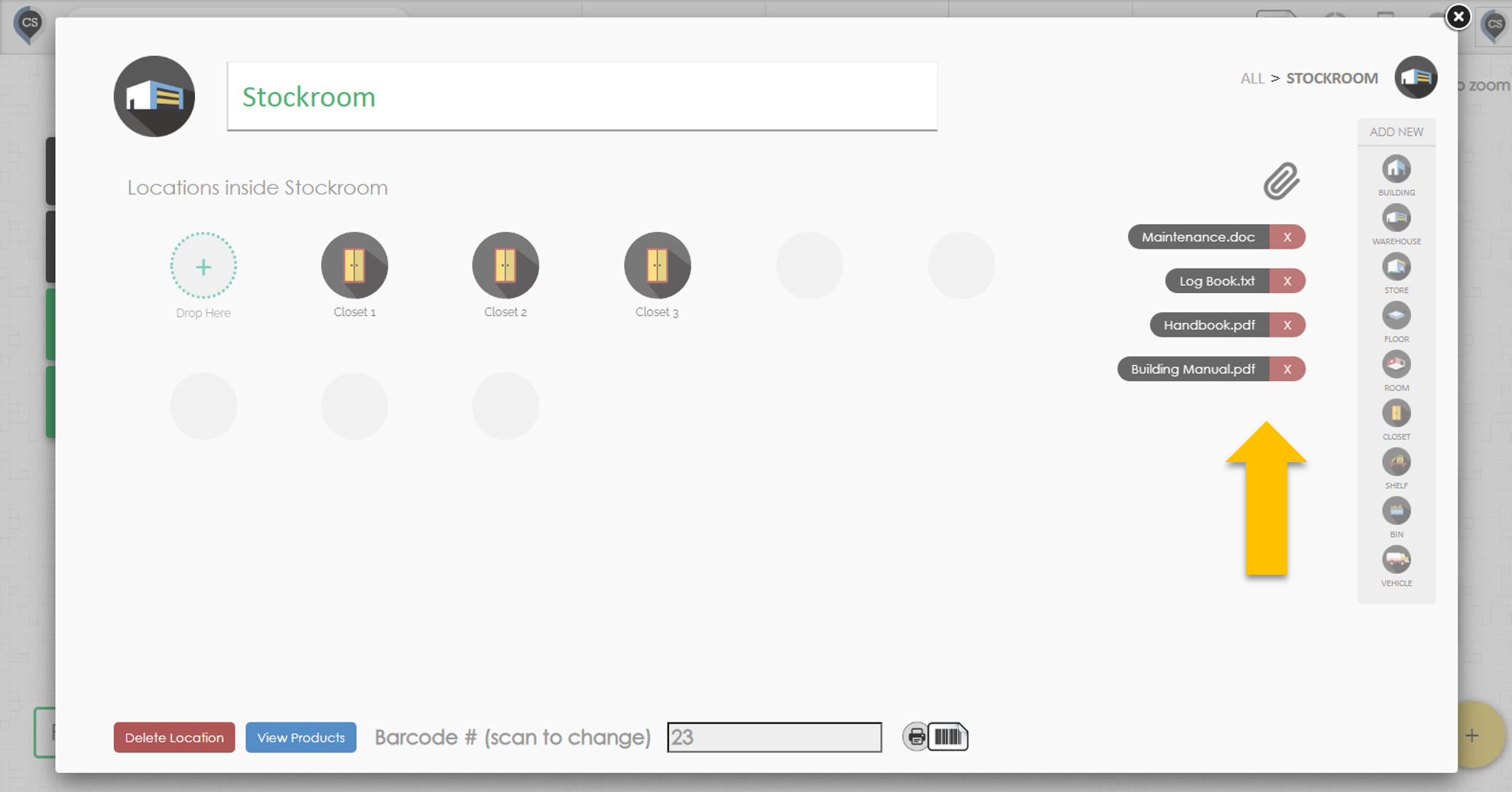
You can remove attachments by clicking on the red 'x' button next to each one.