

CyberStockroom is available in different countries with different time zones, and this matters because every action on CS will be recorded in the activity history page with the date and time. To change the timezone in your account:
Go to the Settings page.
Scroll down to the Time Zone section and choose your desired Time Zone.
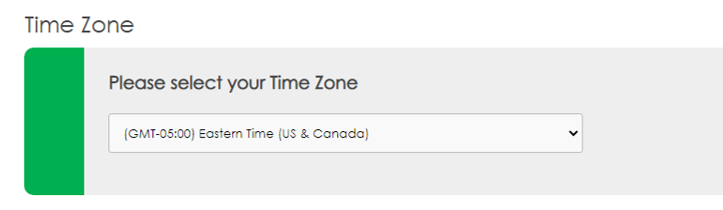
Note: The Time Zone will be applied for all the users on the account.