

CyberStockroom allows you to track product buy price, sell price, and cost value. You can set the currency for those prices as follows:
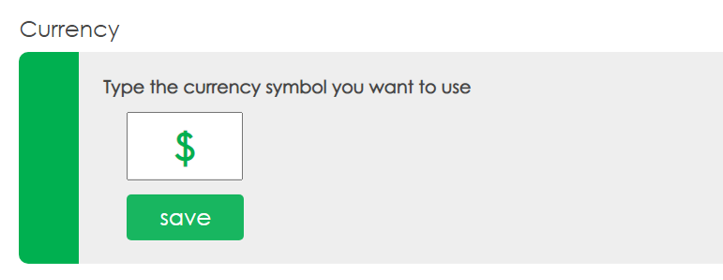
Go to the Settings page and scroll down to the 'Currency' section.
Type in a symbol for the currency you will use and press the 'save' button.
Note: The currency symbol will apply to all users on your account.